
A website audit is a structured review of signals that affect how a public website works, communicates, and can be understood by search engines. Different audits cover different scopes, so the useful question is not whether a site received a score—it is what was actually checked.
Page titles and descriptions
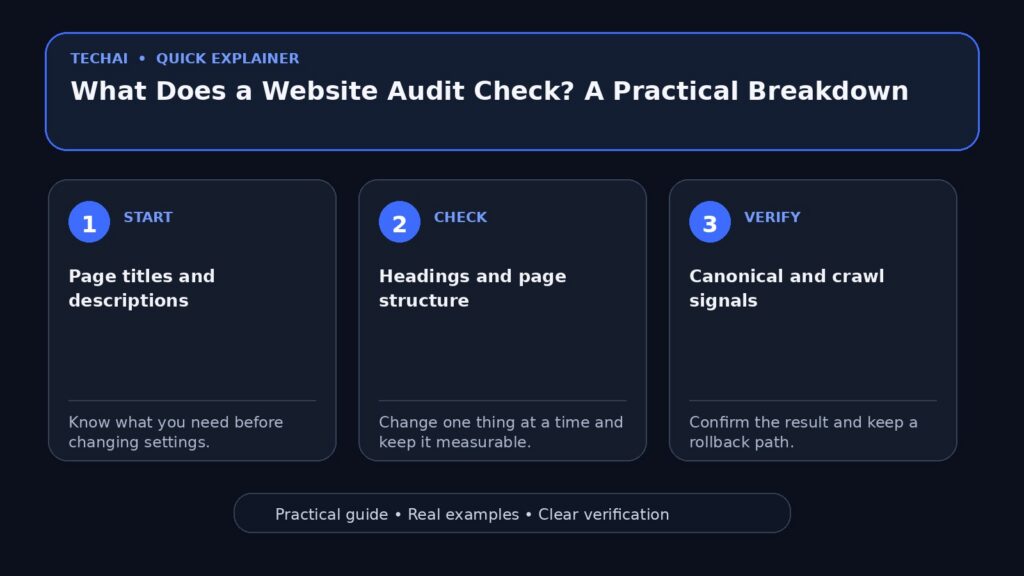
Titles identify the purpose of individual pages. Meta descriptions summarize them for potential search-result snippets. An audit can flag missing, unusually short, overly long, or repeated patterns, but the final wording still needs human judgment.

Headings and page structure
Clear headings help visitors scan a page and help describe its hierarchy. A technical check can identify missing H1 elements or unusual structures without assuming that every page must follow an identical template.
Canonical and crawl signals
Canonical tags, robots directives, HTTP responses, and public accessibility can influence how crawlers interpret pages. These checks are especially important after migrations, redesigns, or large template changes.
Structured data and mobile basics
An audit may check whether structured data exists and whether a mobile viewport is configured. Presence alone does not prove that markup is correct or eligible for a particular search feature, so validation and context still matter.

Images and alternative text
Meaningful images should have appropriate alternative text. Automated checks can find missing attributes, while the quality and usefulness of the description should be reviewed in context.
What an audit cannot honestly guarantee
A public technical audit cannot guarantee rankings, traffic, leads, or revenue. It also cannot know private analytics unless you explicitly connect a trusted data source. Treat an audit as evidence for prioritizing work, not as a promise of an outcome.
Start with the free one-page Website Checker. For a broader scan, see the Website Audit Tool or the automated SEO Audit Report.
Think of an audit as several layers
A complete website review is easier to understand when it is split into layers. The delivery layer checks whether pages load and return the expected responses. The indexing layer reviews canonical and robots signals. The page layer checks titles, descriptions, headings, structured data, and image attributes. The content layer asks whether the page actually answers the visitor’s question.
Sample more than one template
Checking only the homepage can hide template-specific problems. Include at least one important service or product page, one article, and one category or archive page if those page types matter to the site. Repeated problems across templates usually deserve higher priority than an isolated cosmetic issue.
Distinguish presence from correctness
An automated tool can detect that a canonical tag or structured-data block exists, but existence alone does not make it correct. A canonical can point to the wrong URL, and structured data can describe something that is not actually visible on the page. Automated checks are best used to find candidates for review.
Include user-facing quality checks
A technically valid page can still be difficult to use. Confirm that important text is readable on mobile, navigation is understandable, calls to action match the page purpose, and images do not push the useful content too far down the page. These checks complement technical SEO rather than replacing it.
For a quick technical baseline, start with the Website Audit Tool. If you only need one public page checked, the free Website Checker is the lighter starting point.
What to keep with the audit record
Save the date, the URLs checked, the tool or method used, screenshots or raw evidence when useful, and the person or process responsible for the fix. If the audit relies on connected analytics or Search Console data, record the date range and source so later comparisons use the same context.
This small amount of documentation makes repeated audits much more useful because you can tell whether a warning is new, already fixed, or simply a known limitation.