Deploying updates to self-hosted applications introduces operational risks, including potential configuration corruption, breaking database migrations, and extended downtime. Without structured state backup and staging protocols, applying a simple image tag change can lead to unrecoverable data loss. Establishing systematic pre-update verification routines ensures that production application data remains secure while updates are safely validated.
Modern container tooling provides robust patterns for managing persistence and testing changes prior to production rollouts. By combining Docker Volumes for state persistence, Docker Compose for multi-container orchestration, and Docker Sandboxes for isolated testing environments, operators can create reproducible, failure-resistant deployment workflows. This guide covers practical mechanisms to isolate, snapshot, and safely update self-hosted containerized workloads.
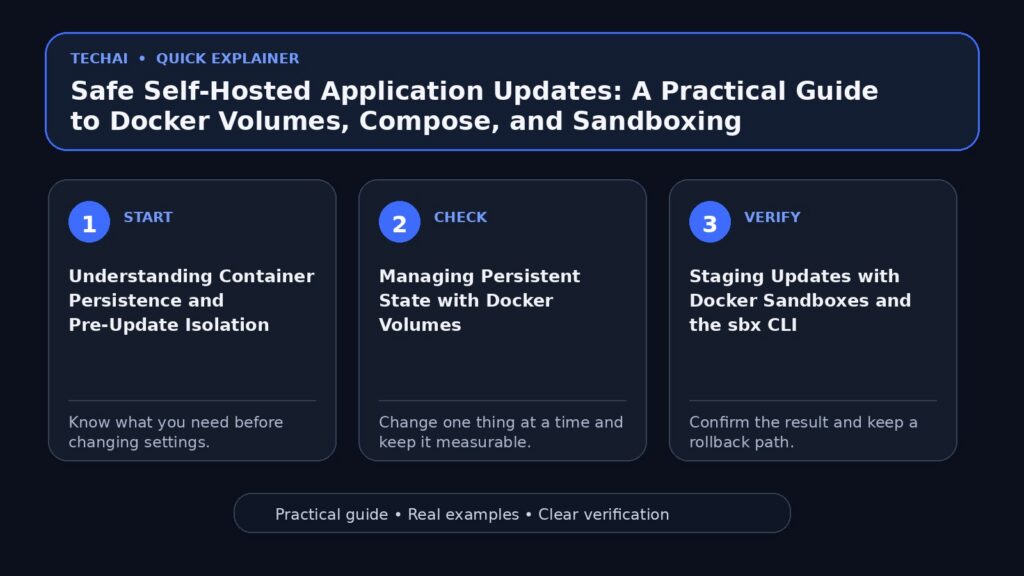
Understanding Container Persistence and Pre-Update Isolation
Containers are inherently ephemeral by design, meaning any data written directly to a container's writeable layer is lost when the container is destroyed or updated. To safely operate self-hosted services, persistent application data must be separated from container execution layers using dedicated storage abstractions. This separation is the most critical step in preventing accidental data loss during routine maintenance cycles.

Before performing any software or schema update, administrators must confirm where state resides. Application binaries, static assets, and runtime dependencies live inside the container image, whereas database files, user uploads, and configuration files must be stored in persistent storage locations such as Docker Volumes. Verifying this boundary ensures that container updates do not inadvertently overwrite active application state.
Creating an explicit isolation boundary before initiating upgrades allows operators to verify application changes without affecting active production data. Decoupling data management from container execution is the foundation of reliable self-hosted application maintenance, ensuring that the underlying data remains untouched even when the container image is replaced.
- Ephemeral container layers are recreated during every image update.
- Persistent user data and database files must reside in managed volumes.
- State decoupling prevents configuration overwrites during deployment routines.
- Pre-update routines require inventorying all attached volume mounts.
Managing Persistent State with Docker Volumes
Docker Volumes serve as the preferred persistent storage mechanism for containerized applications. Managed directly by the host engine, volumes decouple persistent state from container lifecycles, ensuring that data persists across container recreations, image updates, and system reboots. By utilizing volumes, you ensure that your application's critical data is not tied to the volatile container filesystem.
Prior to executing an update, volume state should be identified and snapshotted. Because volumes are stored independently of container filesystems, administrators can attach standard backup tools or execute containerized snapshot operations directly against the volume data without altering host-level system configurations. This independence is vital for maintaining a clean state backup.
When performing major updates that include database schema migrations, maintaining a clean state backup of your volumes ensures a clear rollback pathway if the new container image fails startup checks or introduces breaking changes. Having this backup allows you to restore the exact state of your database before the migration was attempted.
- Docker Volumes store state independently from container lifecycles.
- Data stored in volumes remains intact when containers are removed or upgraded.
- Volume backup routines protect against breaking database schema migrations.
- Isolating data volumes enables precise version rollbacks.
Staging Updates with Docker Sandboxes and the sbx CLI
Testing upgrades in live production environments presents unnecessary availability risks. Docker Sandboxes provide isolated execution environments on Docker-managed cloud infrastructure or local instances, enabling administrators to test updates without risking production uptime. These sandboxes allow for a controlled environment where you can simulate real-world conditions.
Using the sbx CLI, operators can create and manage cloud sandboxes, configure specific network policies, pass required credentials, and execute dry-run application updates. This allows validation of new container images, environment variable updates, and setup scripts before applying changes to live environments. The ability to manage these sandboxes via CLI ensures that your testing process is repeatable and scriptable.
Sandboxes support lifecycle controls and seamless state transfers between local and cloud environments. This capability allows operators to replicate production configurations, run test migrations inside a sandbox, and verify application health prior to local deployment. By moving state into a sandbox, you can verify that your data migrations will succeed without impacting your actual production database.
- Docker Sandboxes provide isolated environments for pre-update validation.
- The sbx CLI manages cloud sandboxes, network policies, and credentials.
- Sandbox testing isolates schema migrations from active production datasets.
- State and file transfers facilitate seamless dry-run testing cycles.
Orchestrating Service Upgrades with Docker Compose
Self-hosted stacks frequently consist of multiple interconnected services, such as a web frontend, an application server, and a database backend. Docker Compose provides a declarative framework to define and run multi-container applications, streamlining service updates across the entire stack. By defining your infrastructure as code, you ensure that your deployment process is consistent and documented.

Updating an application managed by Docker Compose involves adjusting image tags, environment variables, or volume declarations within the Compose file. Compose coordinates service updates by stopping older containers, creating updated instances, and reconnecting them to existing volumes and networks. This orchestration ensures that your services are updated in the correct order, minimizing downtime.
Maintaining control over service dependencies in Compose ensures that supporting services—like databases—are available and healthy before application containers apply new code updates. This dependency management is crucial for preventing race conditions during the startup phase of an updated application stack.
- Docker Compose declaratively manages multi-container application stacks.
- Service updates preserve volume mappings and custom network configurations.
- Compose coordinates container recreation while maintaining defined storage bindings.
- Version-controlled Compose files provide clear environment audit trails.
Building Standardized Environments with Sandbox Kits v3
For complex multi-container stacks, creating repeatable pre-update testing environments can be streamlined using Compose sandbox environments with kits v3. These kits allow operators to build sandboxes from standardized workload and mixin kits. By using these kits, you can ensure that your testing environment is as close to your production environment as possible.
By combining workload definitions and mixins into reusable kit sets, administrators can publish testing environments as container images. This ensures that pre-update verification takes place in a setup identical to the production environment. This consistency is key to identifying potential issues before they reach your production users.
Automating sandbox creation using published kit sets eliminates manual configuration errors during pre-update testing, ensuring consistent results across test iterations. By removing the human element from the setup process, you significantly reduce the risk of configuration drift between your test and production environments.
- Compose sandbox kits v3 assemble environments from workload and mixin kits.
- Reusable kit sets can be published directly as standard container images.
- Ensures identical test parameters between staging and production stacks.
- Reduces setup drift when validating multi-service upgrades.
Ensuring Security with Hardened Images and Secrets Management
Applying application updates also requires maintaining security hygiene across dependencies and configurations. Using Docker Hardened Images ensures that container base layers adhere to security best practices and contain minimal vulnerability surface areas. By starting with a secure foundation, you reduce the risk of introducing vulnerabilities during the update process.
During update and sandbox testing routines, sensitive application credentials must remain protected. Docker Sandbox environments support granular credentials management, network policies, and secrets isolation to prevent credential exposure during test runs. This ensures that your testing process does not inadvertently leak sensitive information.
Establishing clear security boundaries during pre-update testing ensures that sandbox testing does not expose API keys, database credentials, or private keys to external networks. By enforcing these policies, you maintain a secure development lifecycle even when performing rapid updates.
- Docker Hardened Images minimize attack surfaces for base container layers.
- Secrets isolation prevents exposure of API keys during sandbox test runs.
- Network policy controls limit inbound and outbound sandbox traffic.
- Credential management keeps production keys out of staging logs.
Post-Update Health Verification and Rollback Procedures
Once an application update is applied, comprehensive health verification must be performed before declaring the update successful. This includes verifying container health statuses, checking application logs for migration errors, and testing core service endpoints. A thorough verification process is the final line of defense against deployment failures.
If an update fails or exhibits unexpected instability, having pre-update volume snapshots and version-controlled Compose files enables rapid recovery. Administrators can stop the updated containers, restore the volume data from the pre-update state, and re-launch the stable image tags. This rollback capability is essential for maintaining high availability.
Documenting standard rollback steps alongside backup procedures reduces mean time to recovery (MTTR) when updates fail in production environments. By having a clear, tested plan for failure, you can respond quickly and effectively to any issues that arise during the update process.
- Verify application logs and health endpoints immediately after updating.
- Maintain versioned Compose configurations for immediate rollbacks.
- Restore persistent volumes from pre-update snapshots if migrations fail.
- Validate network routing and proxy connections post-deployment.
Key takeaways
- Always decouple persistent data from container filesystems using Docker Volumes before attempting upgrades.
- Utilize Docker Sandboxes and the sbx CLI to safely run updates in isolated environments before production deployment.
- Declaratively manage multi-service applications with Docker Compose to maintain predictable update workflows.
- Standardize test environments using Compose sandbox kits v3 to mirror production configurations.
- Secure update verification workflows by enforcing strict network policies, secrets isolation, and Docker Hardened Images.
Common mistakes to avoid
- Writing persistent application or database data directly to ephemeral container layers instead of Docker Volumes.
- Applying updates directly in production without first validating image compatibility inside an isolated sandbox.
- Modifying production Compose files without keeping version-controlled backups of previous working states.
- Exposing production credentials or unencrypted secrets within pre-update test scripts and public sandbox runs.
Useful TechAI links
FAQ
Why is it unsafe to rely on container internal storage for persistent application data?
Container internal storage is tied directly to the container lifecycle and is completely destroyed when a container is removed or updated. Persistent application data must be mapped to Docker Volumes so it survives image updates and container reinstantiations.
How do Docker Sandboxes assist in the pre-update testing process?
Docker Sandboxes provide isolated environments managed via the sbx CLI or cloud infrastructure to run test instances. This allows operators to test updates, schema changes, and configuration scripts without risking production uptime.
What is the role of Compose sandbox kits v3 in self-hosted deployments?
Compose sandbox kits v3 allow users to assemble reusable testing environments from workload and mixin kits. These sets can be published as container images, ensuring pre-update testing takes place in a standardized environment.
How can I prepare for a quick recovery if an update breaks my service?
Before updating, create a backup snapshot of attached Docker Volumes and commit your working Compose configuration. If an update fails, revert the image tag in your Compose file and restore the volume snapshot to return to a known stable state.