
The artificial intelligence tool TechAI has become an integral part of daily writing, research, learning, programming, and content creation. However, the true benefit of using TechAI doesn’t come from quickly asking a question and waiting for a perfect answer, but from understanding what it can do, what it shouldn’t rely on, and how to give it clear instructions.
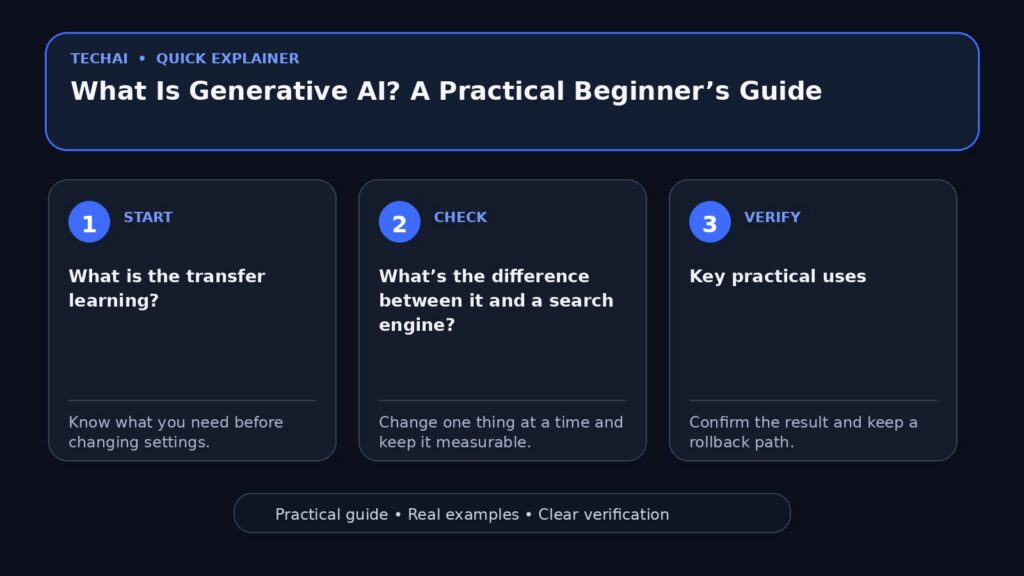
What is the transfer learning?
The TechAI Turbo is a type of artificial intelligence system that can create new content based on the patterns it learns from large amounts of data. This content can be text, images, programming code, summaries, or organized ideas.

The key idea is that these systems do not work like a database that provides a single answer to every question. Instead, they generate an appropriate response based on your request and the context you provide.
What’s the difference between it and a search engine?
Search engine helps you find existing pages and sources, while artificial intelligence can organize information, explain it, rephrase it, and transform it into new outputs tailored to your goals. This is why it’s best to use both together when you need up-to-date information or facts that need verification.
Key practical uses
Writing and improving the quality of the text.
It can be used to draft a letter, organize an article, simplify a difficult paragraph, or suggest titles. It is best used as a writing assistant rather than an automatic text publisher.
2. Learning and explaining topics
You can request a basic explanation, then move to a deeper level, or ask for examples, practice, and review questions. This is particularly useful when you know your level and what you haven’t understood.
Programming and Error Resolution
It can explain an error message, suggest a way to organize code, or provide a small template. However, any important code should be tested before using it in a real site or program.
Summary and organization
If you have a long text or many notes, the artificial intelligence can extract the main points and convert them into steps, a work plan, or a task list.
Generating Ideas
One of its best uses is to suggest new angles for a paper, project, or video. Request multiple options, then choose the best one and revise it based on the first suggestion.
How to Write a Request That Results in Better Outcomes?
Start by clearly defining your goal. Instead of writing: “Write me about technology,” write: “Write a simple Arabic introduction of 150 words explaining to beginners how to secure their accounts using two-factor authentication.”
Understand the context needed by the assistant: Who is the audience? What is the answer length? What tone is desired? Do you want step-by-step instructions, a comparison, or a concise explanation? The more specific the request, the less guessing is needed.
Process for Orders
The goal + context + constraints + outcome.“Want to compare three methods for backing up photos on a phone. The audience is beginner, avoid complex terms, write the results in a table, then provide general recommendations.”
Five Rules for Reliable Results
- Verify the important facts:Specific prices, laws, specifications, news, and medical/banking information.
- Do not send sensitive data:Avoid passwords, API keys, and personal information like IDs that you don’t need for the task.
- Get the sources when needed.If the information is recent, check the official source yourself.
- Divide the large task:After you request a plan, then we’ll implement each part and review it.
- Release the result:Make the text reflect your expertise and style, and do not publish an unreviewed draft.
Common Mistakes Reducing Result Quality
The most common mistakes are vague requests, followed by treating the first response as a final answer. Also, asking for a comprehensive article on a very broad topic often results in a general and repetitive text. The best approach is to narrow the topic, request specific examples, and review each paragraph.

Another error is relying on artificial intelligence to process rapidly changing information without verification. AI tools may err or provide outdated information or mix sources, so verification remains essential.
How do you choose the right tool?
Start with the task type, not the tool’s fame. For writing and explaining, you need a good text assistant. For programming, you might need a code repository understanding tool. For images, you’ll need a specialized image generator. Before joining any service, check the price, usage limits, privacy policy, and Arabic language support.
Can artificial intelligence be relied upon for work?
Yes, when used to speed up work while maintaining human review. It can shorten initial research time, organize ideas, prepare a draft, or reveal areas needing improvement. But it does not eliminate the user’s final decision responsibility.
Here is an example of a simple practical task.
Assume you want to write a guide on cleaning your phone. Instead of asking “Write an article about phone cleaning,” you can break it down into steps: first, list common problems, then choose five of them, then ask for safe steps for each problem, then review the steps on your device, and finally ask for a lead and conclusion. This way, you get a more accurate and less repetitive result.
Frequently Asked Questions
Is artificial intelligence truly capable of understanding everything?
No. It may give a convincing answer but incorrect, and may misinterpret a lack of context. Therefore, the quality of the result depends in part on the quality of the instructions and review.
Is it free to use?
There are free and paid plans available, but the boundaries and benefits change frequently. Check the official pricing page for the service you intend to use before relying on it.
Is the content it produces suitable for direct publication?
Content that is not shared directly. Check the facts, add your expertise, remove repetition, and improve examples and titles. The reader’s benefit is more important than the quantity of articles.
Start with a small trial before committing fully
If you’re new to the TechAI, try it out first in a low-risk task like summarizing text or improving a draft. Then, you’ll start learning.How to Write a Prompt ExplainedThen use.Criteria for Choosing the Right ToolIf you need files, recent searches, or a specialized feature.
If you want to try options without a direct commitment, check outFree AI Tools for Daily UseBe mindful of plan limits and privacy policies.
Summary
Artificial Intelligence TechAI is a powerful tool when used clearly and with awareness. Define the goal, provide sufficient context, verify important information, and protect your personal data. This way, it becomes a helper that speeds up your work, avoiding the creation of new errors.