
The “best” AI tool depends on the work you are trying to do. A long feature list is less useful than a short test using your real tasks, files, language, privacy requirements, and budget.
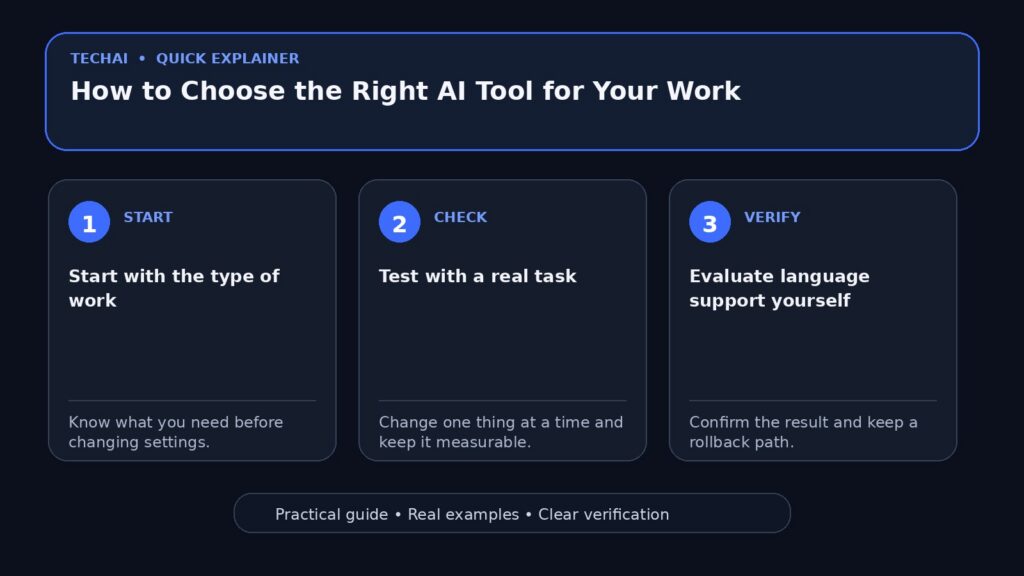
Start with the type of work
Define the job first: writing, research, coding, data analysis, image creation, meeting notes, document review, or workflow automation. A tool that is excellent for one category may be frustrating in another.

Test with a real task
Use a task you already understand well enough to judge. A realistic test reveals whether the tool follows instructions, handles your format, and saves meaningful time.
Evaluate language support yourself
Marketing pages may say that a language is supported, but quality can vary by task. Test writing, understanding, formatting, and terminology in the languages you actually use.
Check how current the information is
If your work depends on recent facts, verify whether the product can access current sources and whether it cites them. Even with browsing or citations, important claims should be checked against the primary source.
Files and long context
If you work with PDFs, spreadsheets, long documents, or code repositories, test the file sizes and formats you actually use. A large advertised context window does not automatically mean every long file will be handled equally well.
Privacy and data use
Read the current privacy and data-control documentation, especially for confidential business information. Consumer and business plans may have different data-handling terms.
Compare price with value, not feature count
A cheaper tool that handles your core task reliably may be a better choice than a larger package full of features you never use. Include usage limits, team features, and the cost of switching in your comparison.
Put a limit on experiments
Trying every new AI product can become its own time-consuming task. Shortlist a few candidates, run the same tests, choose one for a period, and review the decision later.
Practical comparison criteria
- Quality on your real task
- Instruction following
- Language quality
- File and context support
- Current information and sourcing
- Privacy controls
- Price and usage limits
- Export and integration options

Do not make one tool a single point of failure
Keep important source files in normal formats and document critical workflows. If one service changes pricing, limits, or availability, you should be able to move the work elsewhere.
When is an upgrade worth paying for?
Upgrade when a paid feature removes a real bottleneck: higher limits you consistently hit, better file support, required privacy controls, team administration, or a capability that saves enough time to justify the cost.
A simple example
If you need an AI assistant for weekly research and article planning, give each candidate the same research question, the same source requirements, and the same output format. Compare accuracy, citations, clarity, and the amount of editing you still need.
Turn the comparison into a small test
Create three representative tasks and score every tool using the same criteria. This is more useful than reading a generic ranking that was created for a different user.
When is the free plan enough?
If you use the tool occasionally, do not hit limits, and do not need paid-only privacy, file, or team features, the free plan may be enough. Check the official plan page because limits can change.
Write a scorecard before subscribing
List what matters before you see the marketing page. This helps you avoid giving too much weight to impressive features that are not relevant to your work.
Test the limits that matter to you
If your workflow depends on large files, long conversations, export formats, browser access, or mobile use, test those exact limits before committing.
Use a scorecard before you subscribe
Test two or three tools with the same real task and score only what affects your work. A simple five-point scale is enough; the point is to compare outcomes, not marketing pages.
- Quality: Did the result reduce real work?
- Reliability: Did the tool follow constraints consistently?
- Files and context: Can it handle the material you actually use?
- Privacy: Are the data controls suitable for the information you plan to share?
- Cost: Does the paid plan remove a limit you genuinely hit?
Keep the winner only if it performs better on your own tasks, not because it has the longest feature list.
Conclusion
Choose an AI tool by task fit, reliability, privacy, and real value. A consistent test with your own work is more informative than a universal “best AI” list.