
Free AI plans can be useful for everyday writing, learning, research, coding help, and brainstorming, but the limits and strengths differ. The right choice depends on the task rather than the popularity of the brand.
This guide focuses on practical use cases and links to official services. Free-plan limits can change, so verify the current details on each provider’s official pages before relying on a specific allowance.
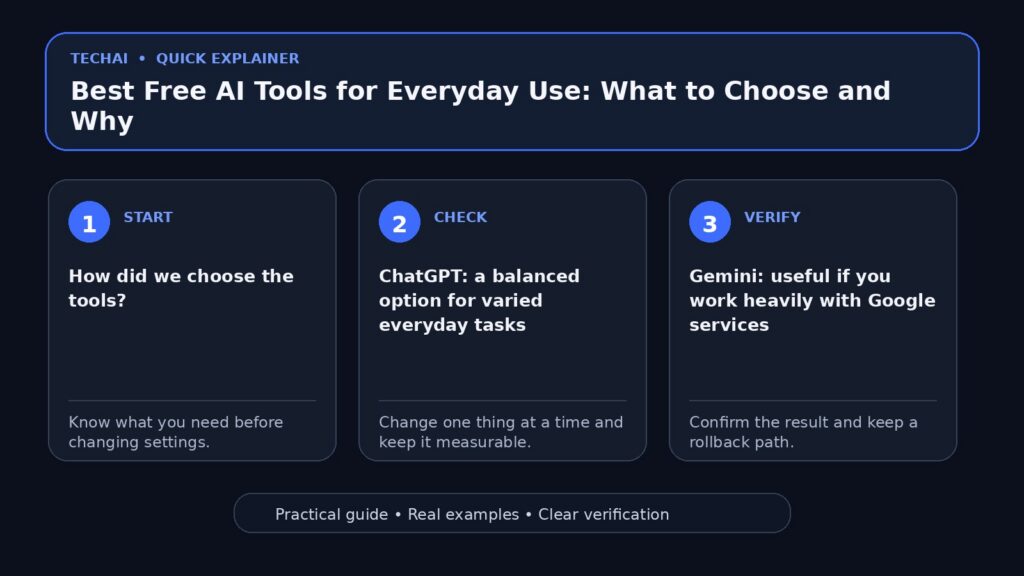
How did we choose the tools?
We looked for tools with an official free-access path, broad everyday usefulness, a credible provider, and clear public documentation. This is not a universal ranking; each option fits different workflows.

1. ChatGPT: a balanced option for varied everyday tasks
ChatGPT can help with writing, explanations, brainstorming, coding questions, and structured problem solving. It is a practical starting point when you want one general-purpose assistant rather than a specialized tool.
When can it be a good fit?
It can fit users who move between different tasks during the day and want a conversational assistant. Start with the free plan and compare the limits against your actual workload before paying.
If you are new to the topic, see our beginner’s guide to generative AI.
2. Gemini: useful if you work heavily with Google services
Gemini is Google’s AI assistant and can be convenient for users already working in Google’s ecosystem. Availability and integrations depend on the product and plan.
When can it be a good fit?
Consider it when your workflow already depends on Google services and you want to test how well the assistant handles your language, files, and everyday research tasks.
3. Claude: strong for careful writing and analysis
Claude is commonly used for writing, document analysis, and structured reasoning tasks. As with every free plan, limits and available models can change.
When can it be a good fit?
It is worth testing if your work involves long-form writing, reviewing documents, or turning complex material into clearer structured output.
For a broader decision process, see how to choose the right AI tool for your work.
4. Perplexity: useful when research and sources are the priority
Perplexity is built around search-oriented answers and source links. Source visibility can make it useful for early research, but you should still open and verify the sources behind important claims.
When can it be a good fit?
Consider it when your task starts with finding current information and you want source links to review rather than only a generated answer.
5. Microsoft Copilot: a practical choice in the Microsoft ecosystem
Microsoft Copilot can be useful for users already working with Microsoft products and services. Features can differ across the free experience, Microsoft 365 products, and paid plans.

When can it be a good fit?
Test it if your daily workflow already lives in the Microsoft ecosystem or if you want another general assistant to compare with the options above.
Quick comparison by use case
- General everyday assistant: test ChatGPT, Gemini, and Copilot with the same task.
- Long-form writing and document work: include Claude in your comparison.
- Research with visible sources: test Perplexity and verify the cited pages.
- Existing ecosystem: Google-heavy workflows may favor Gemini; Microsoft-heavy workflows may favor Copilot.
Do you really need five AI tools?
Probably not. More tools can mean more accounts, duplicated subscriptions, different privacy policies, and extra time learning interfaces. Pick one or two that handle your real work well and keep another option only when it solves a specific gap.
How do you test tools fairly?
Use the same three tasks, the same source material, and the same output requirements. Compare accuracy, instruction following, source quality, editing time, and limits. This is much more useful than comparing marketing claims.
Our guide to writing better prompts can help you make those tests more consistent.
An important privacy note
Do not paste passwords, API keys, identity documents, confidential client information, or other sensitive data into an AI service unless you understand and accept the provider’s current data-handling terms.
Conclusion: what should you choose?
Start with the free plan of the tool that best matches your main task. Test it with real work for a short period. If another tool clearly handles a gap better, add it intentionally. Do not pay for several subscriptions just because every tool has a different list of features.
Useful official sources
- OpenAI — ChatGPT Free Tier FAQ
- Google — Gemini Apps limits & upgrades
- Anthropic — Claude pricing
- Perplexity — subscription plans
- Microsoft — Copilot app information